

AT&T Fiber setup guide
AT&T Fiber Gateway vs VPN Router: IP Passthrough, Second Router & What Actually Works
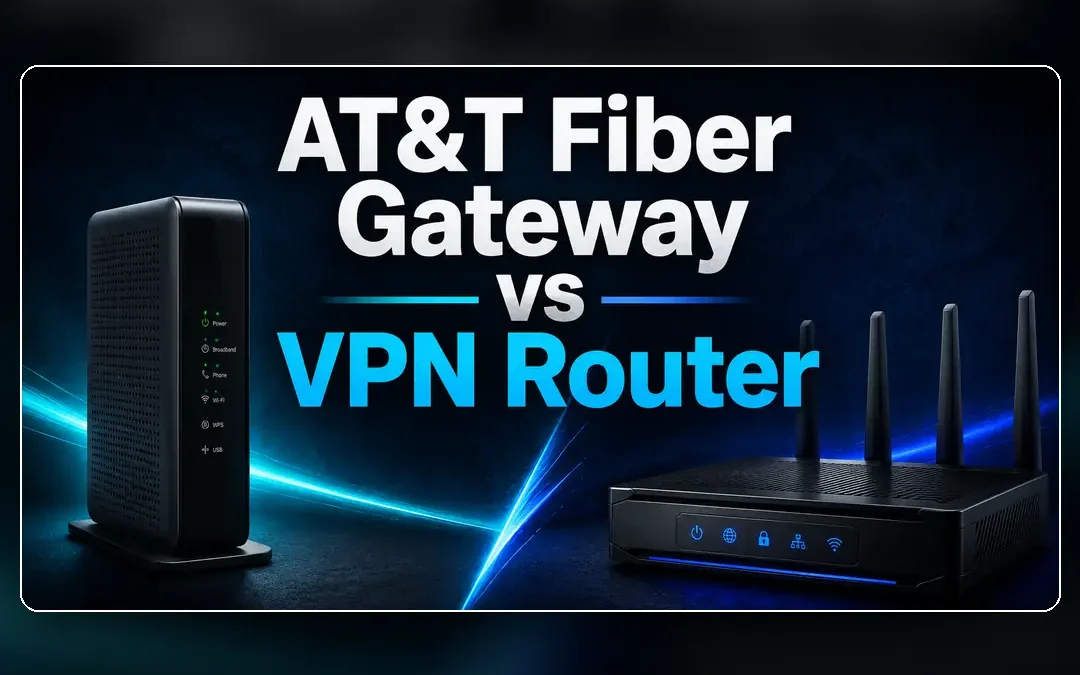
AT&T Fiber is not a normal cable-modem replacement job. The AT&T gateway usually stays, so the real choice is IP Passthrough versus a simpler second-router setup.
AT&T Fiber is where “just put the modem in bridge mode” stops being useful advice. The provider gateway is usually part of the architecture, and AT&T’s own documentation points customers toward IP Passthrough rather than a traditional full bridge mode.
That sounds more complicated than it needs to be. Most households have one of two goals: let their own router handle as much of the home network as possible, or leave the AT&T network alone and add a VPN router only for devices that need it.
Both can work. The right answer depends on whether you want to rebuild the network or simply add router-level VPN coverage.
AT&T Fiber: think gateway first, router second
AT&T’s IP Passthrough documentation says the AT&T gateway can share its dynamic WAN IP address with a single LAN device, such as a third-party router. That downstream router can then take the lead for its own network.
The important distinction is that the AT&T gateway does not disappear. That is why IP Passthrough should not be described as identical to the bridge mode used on many cable gateways.
If your goal is only to get a smart TV, streaming box, console, or work laptop onto a VPN network, leaving the AT&T gateway in its normal role and putting a VPN router behind it is often easier.
Three practical ways to set it up
| Setup | Best when | Tradeoff |
|---|---|---|
| AT&T gateway only | You want the simplest AT&T-supported home network | No router-level third-party VPN client for all selected devices |
| Second VPN router | You want a separate VPN WiFi network without reworking AT&T settings | Double NAT may exist for devices behind the second router |
| IP Passthrough to your router | You want your router to act more like the primary router | More setup; AT&T gateway still remains and only one device gets passthrough |
What a VPN router adds in this setup
With AT&T Fiber, the VPN router can either be a downstream specialty network or the router that takes the lead behind IP Passthrough. Those are different projects, and treating them as different projects makes troubleshooting much easier.
For a few TVs, streamers or work devices, the small-network approach is usually enough. IP Passthrough earns its complexity when you actually want your router to manage the broader home network.
IP Passthrough is not the same thing as “remove the gateway”
AT&T explicitly describes IP Passthrough as a way to put one device behind the gateway and give that device the WAN address. That is useful for a third-party router, but it does not turn the gateway into a piece of invisible wiring.
For people who enjoy managing routing, firewall rules and WiFi from their own hardware, Passthrough can be the right architecture. For everyone else, a separate VPN-router network may accomplish the actual goal with fewer moving parts.
Use IP Passthrough because you need it—not because the menu exists
If the only goal is router-level VPN for a handful of devices, a normal second-router network may already solve the problem. Passthrough is most useful when your own router should take over the downstream routing role.
Best setup by use case
Minimal disruption
Keep the AT&T gateway as-is and add a second VPN router.
Own-router household
Use IP Passthrough so your router can manage the downstream network more directly.
Streaming devices only
Put the TV/streamer on the VPN router and leave phones, smart-home devices and normal WiFi on AT&T.
Advanced home network
Use Passthrough only after planning subnets, WiFi, firewall responsibilities and how you will troubleshoot both devices.
Choose the least disruptive path first
Add a VPN router without pretending the AT&T gateway disappears.
Use a second router for a focused VPN network, or IP Passthrough when your router genuinely needs a larger role.
Dual-Router Setup Browse VPN Routers Router QuizFrequently asked questions
Can I use a VPN router with AT&T Fiber?
Yes. A VPN router can sit behind the AT&T gateway, or you can configure IP Passthrough when you want the downstream router to take a more primary role.
Does AT&T Fiber have bridge mode?
AT&T documents IP Passthrough as an alternative to bridged mode. The provider gateway generally remains part of the setup.
What does IP Passthrough do?
AT&T says Passthrough shares the gateway’s dynamic WAN IP address with a single device on the LAN, commonly a third-party router.
Do I need IP Passthrough for a second VPN router?
Not necessarily. If you only need a separate VPN network for selected devices, a normal downstream-router setup may be enough. Passthrough is more relevant when your router should take over more of the routing role.
Provider references
Provider features and setup options can change. These are the current official references used for this guide:
AT&T Fiber Gateway vs VPN Router: IP Passthrough, Second Router & What Actually Works
BEST VPNs OF 2026
#1

#2

#3
